Exams › Creating an exam
Create a manual exam
Steps to build an exam by picking its questions by hand from question banks, then publish it.
Last updated
In a manual exam you pick the questions yourself from the question banks and set the order in which they appear in the exam.
Getting started
Click Create new exam.
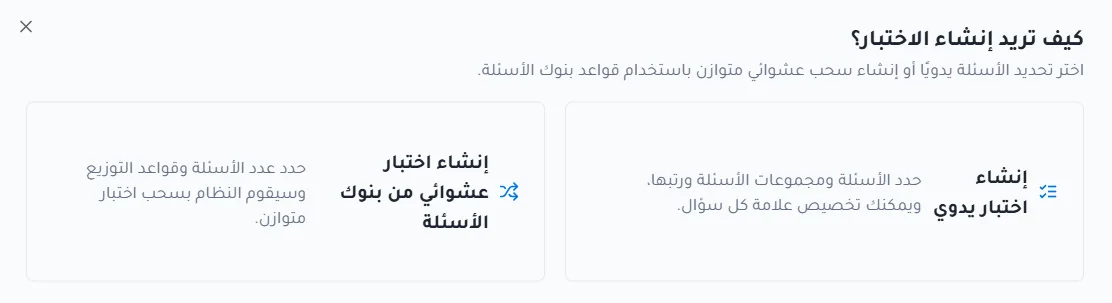
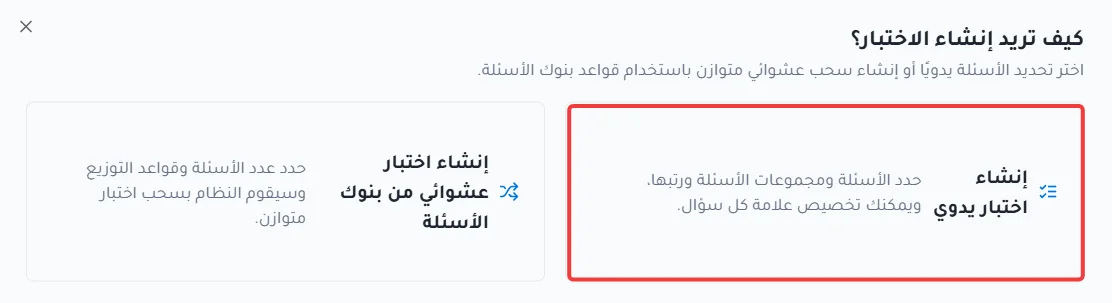
Choose how to create the exam: by selecting questions manually, or by creating a random exam from question banks. Here, click Create manual exam.
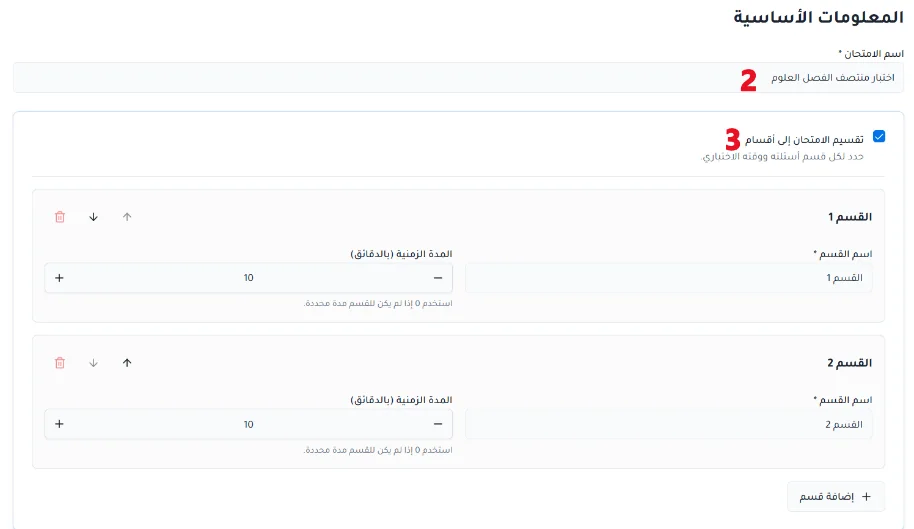
Basic information
Enter the exam name.
Decide whether to split the exam into sections, and enter each section's name and its allotted time (optional).
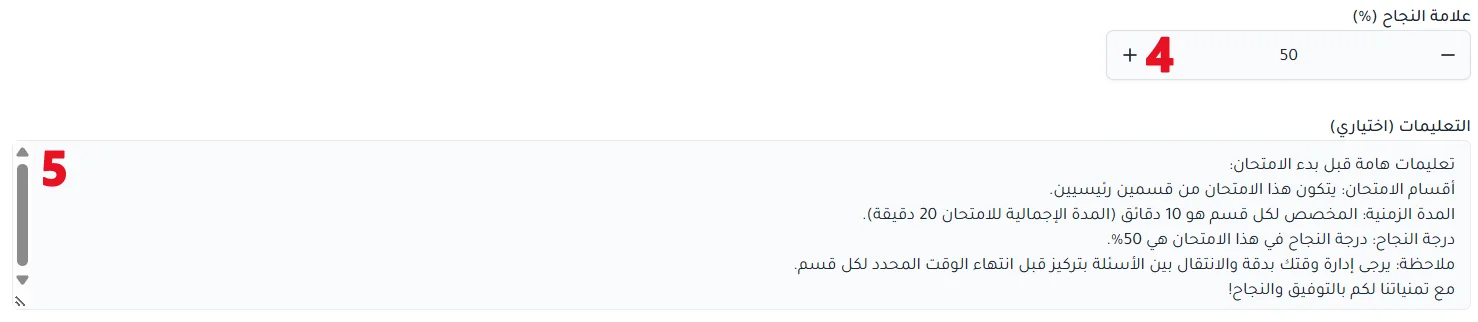
Set the passing score.
Add instructions for students before the exam starts (optional).
Choose question banks and questions
Select the exam section whose questions you want to choose.

Choose one or more question banks to pick questions from manually. You can remove a chosen bank when needed.
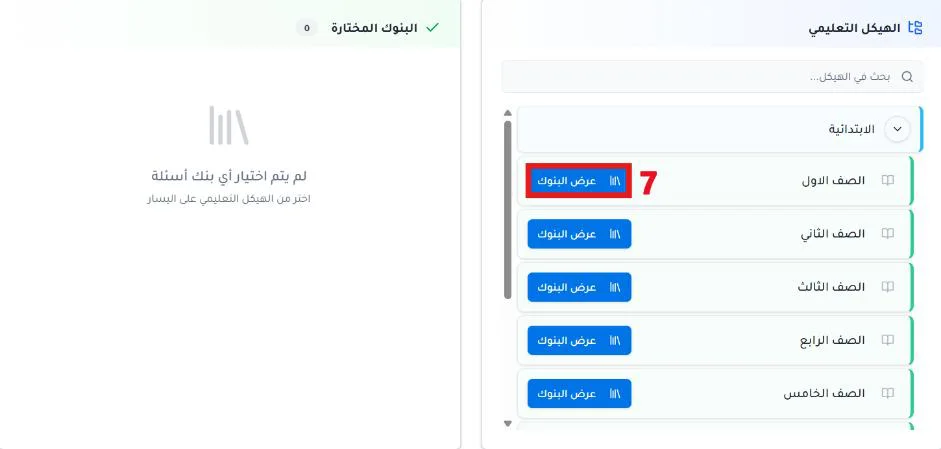
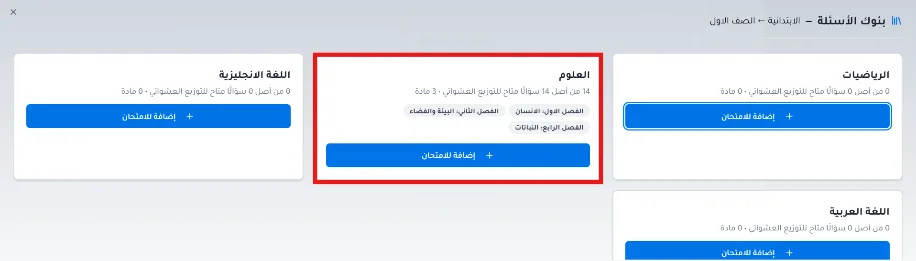
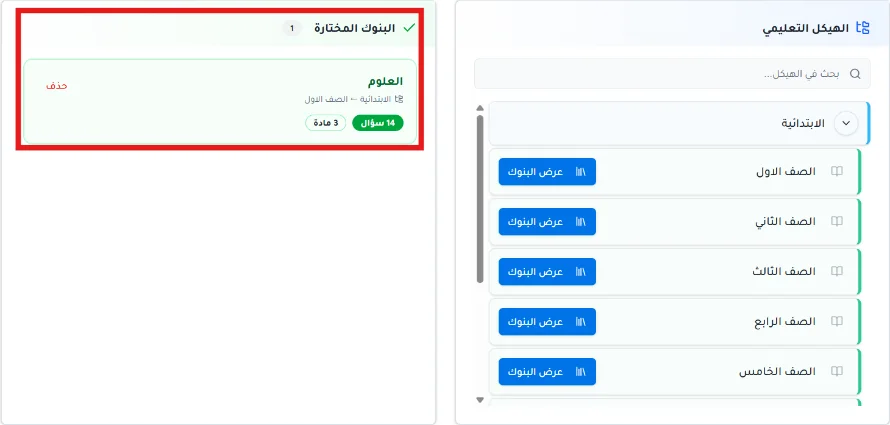
Choose the questions. Their order in this step is the order in which they appear in the exam.
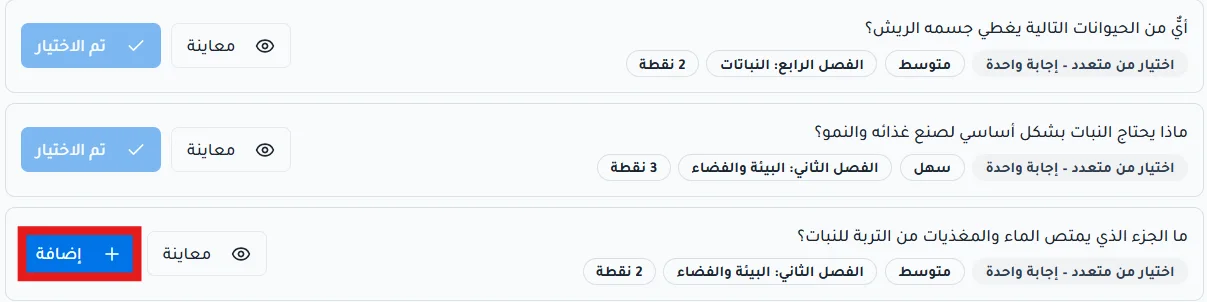
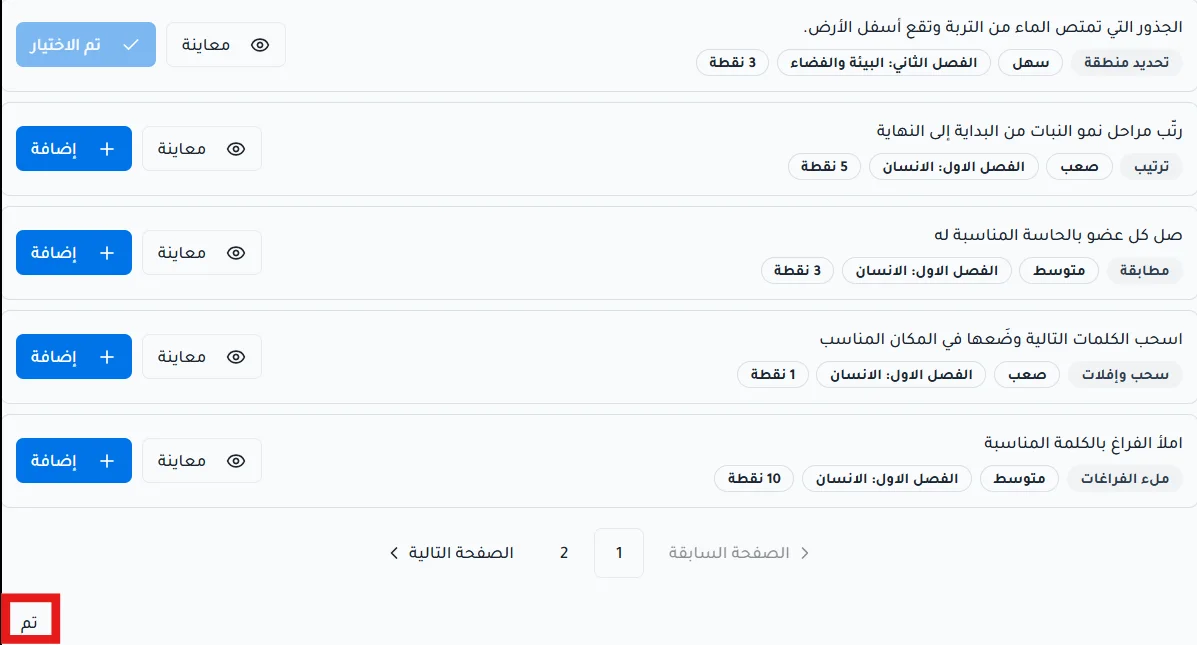
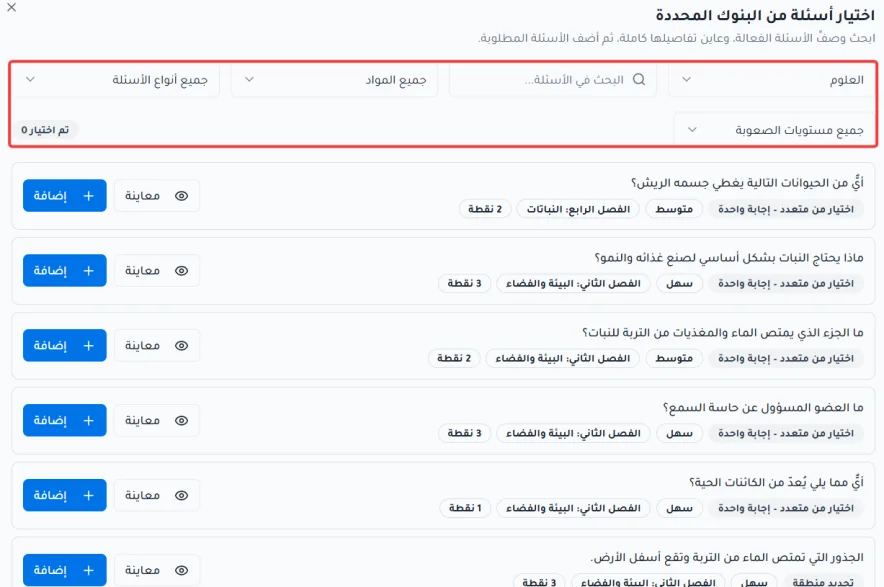
While choosing questions you can:
Search the questions.
Filter questions by bank, subject, question type, or difficulty level.
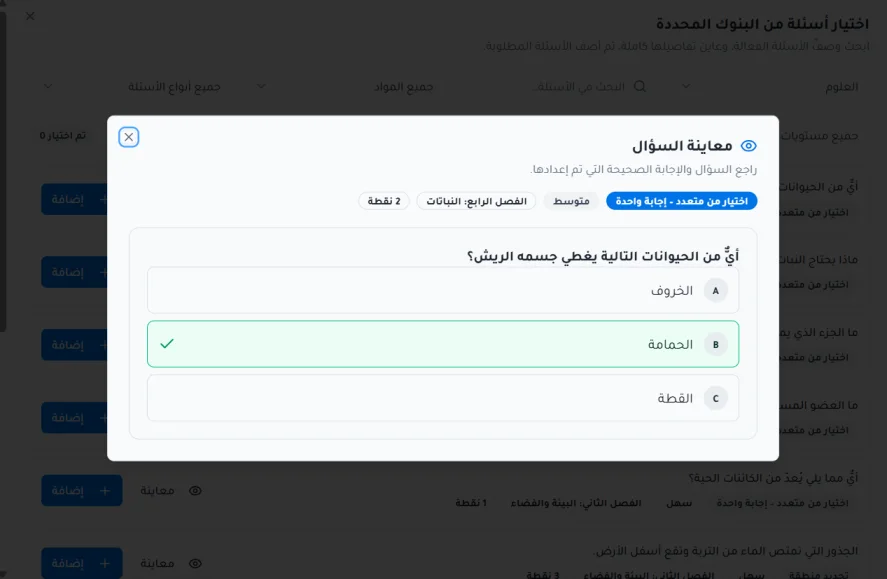
Preview a question before selecting it.
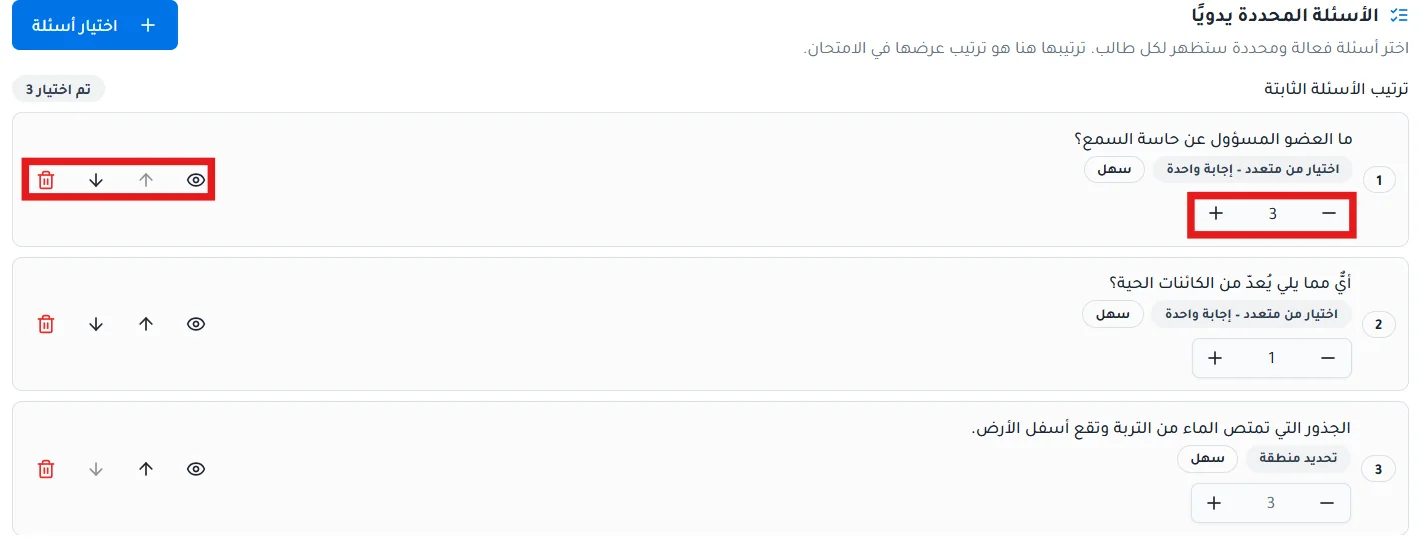
After selecting the questions, you can increase or decrease their points, preview a question, change its position, or remove it from the exam.
Review and publish
Review the exam information. You can go back to earlier steps to make changes after reviewing.
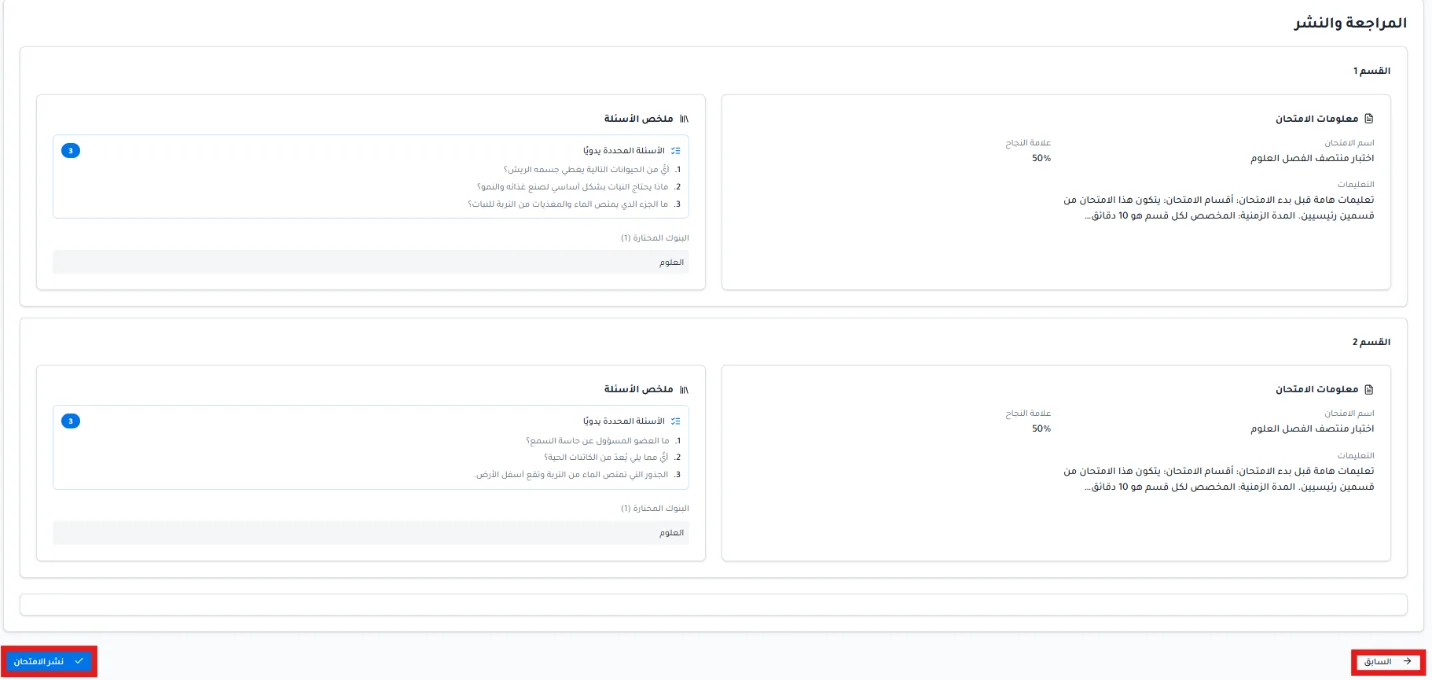
Click Publish exam.
