Getting started
The side navigation
Learn how the side bar gives you access to all platform functions.
Last updated
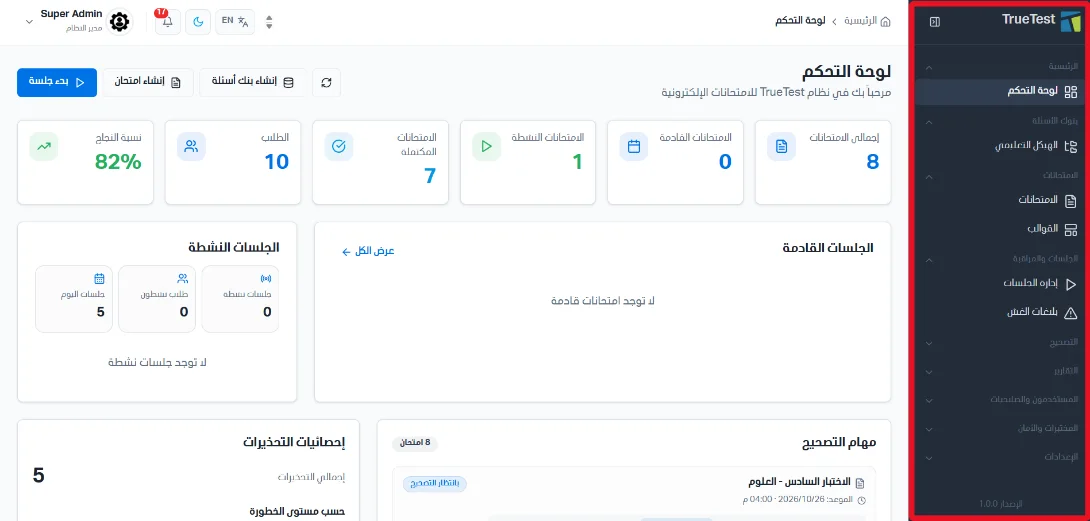
After you log in, the dashboard and the side bar appear. From the side bar you can reach every platform function, organized by type of work.
Using the side bar
The dashboard and the side bar appear right after you log in.
Functions in the side bar are grouped by type of work.
You open pages from the side menu, for example Home then Dashboard, or Question banks then Curriculum structure.