Getting started
The top bar and your account
Learn about language and theme, the account menu, your profile and active sessions.
Last updated
The top bar gives you quick tools to change the language and theme, check notifications, and reach your account.
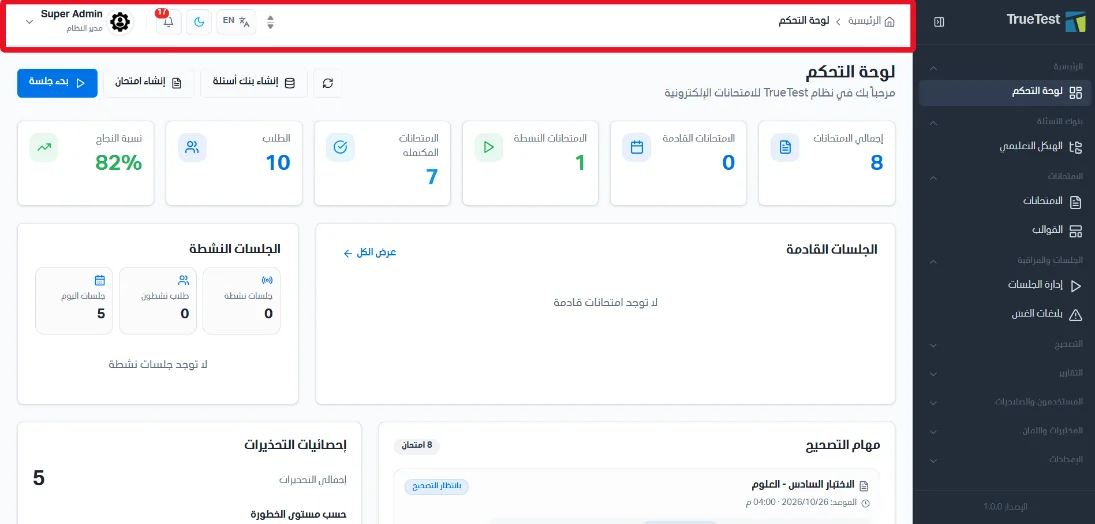
Language and theme
Language: switch from Arabic to English and back.
Theme: use the dark or light theme for the site.
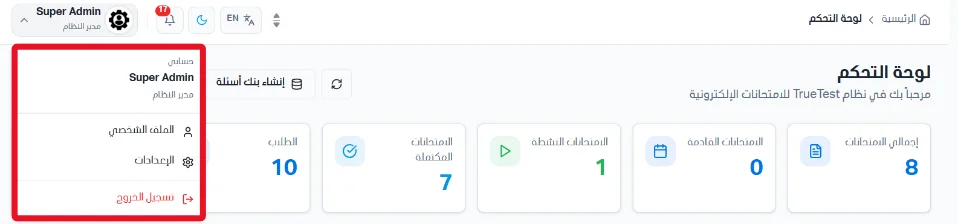
The account menu
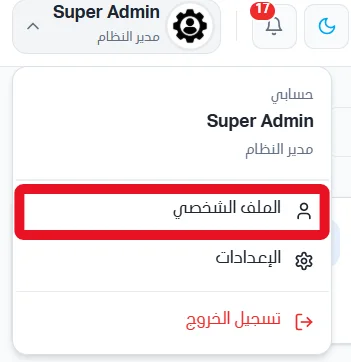
From the Account menu you can open your profile and settings, or log out.
Your profile
From the account menu, click Profile.
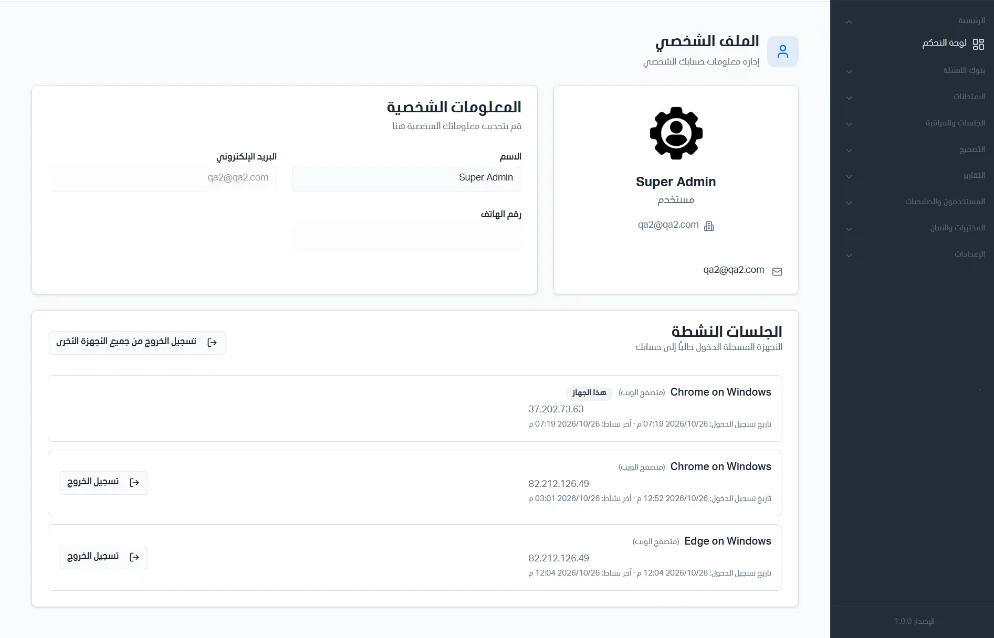
This page lets you view your profile information and edit your name.
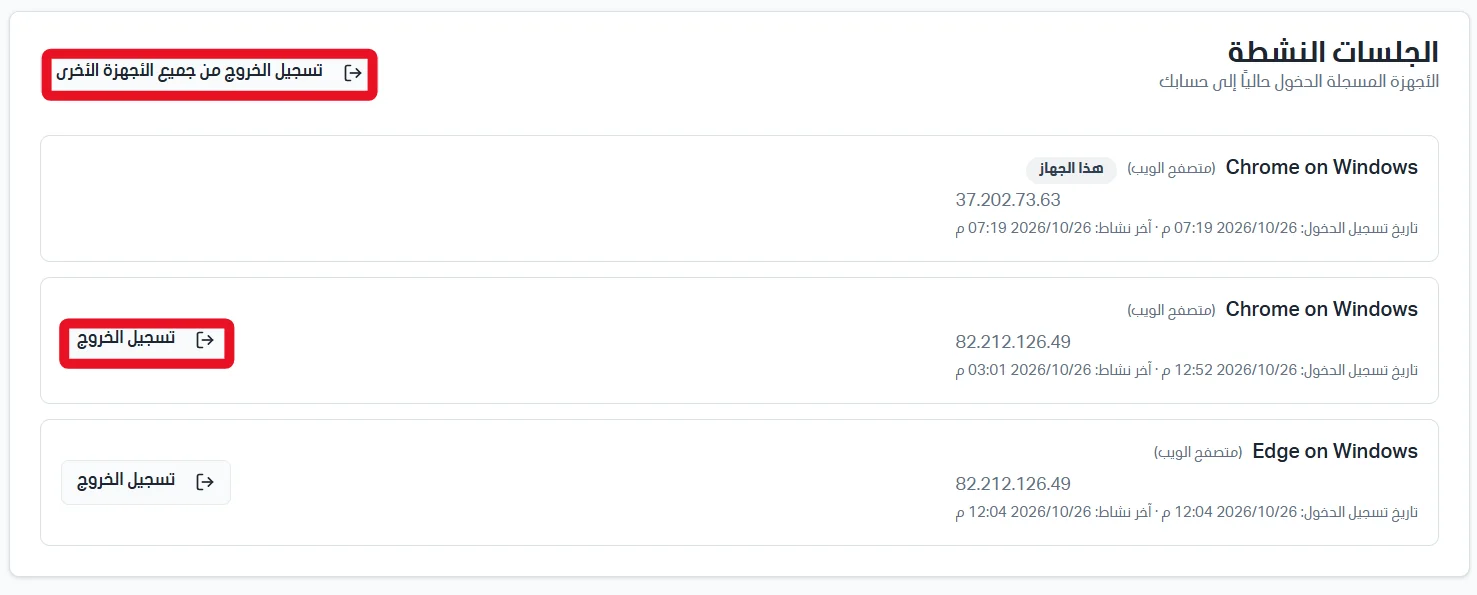
Active sessions
The Active sessions section lists the devices that are logged in to your account. You can log out from all other devices, or from one specific device.